
Make every caption count with this free character counter for social media
Instantly check your caption length, stay within limits, and optimize every post for engagement with our free online character counter.
Character counter
Paste or type your text below, then click Count to see your character count with spaces and without spaces.
Characters with spaces
0
Includes letters, numbers, punctuation, spaces, tabs, and line breaks.
Characters without spaces
0
Removes all whitespace, including spaces, tabs, and line breaks.
Character counter for social media captions
Use this character counter tool to quickly measure the length of your captions before you publish. Whether you’re writing a tweet, Instagram caption, or LinkedIn post, this online character counter helps you stay within platform limits — and optimize for engagement.
Just paste your text into the character counter online, click Count, and instantly see:
total characters (character counter with spaces)
characters without spaces (for stricter limits)
It’s a fast, simple way to check your copy before it goes live.
Why character count matters for social media
Writing for social media isn’t just about staying under the limit — it’s about hitting the right length.
Based on Hootsuite’s research, shorter, more concise posts consistently drive higher engagement. The right character count can mean more clicks, more comments, and more reach.
For a full breakdown of ideal post lengths across every platform, check out our original research on the Hootsuite blog.
Ideal character lengths for each platform
Here are some quick benchmarks based on Hootsuite data:
X (Twitter character counter): 71–100 characters performs best (max: 280)
X ads:
Keep copy under 100 characters for higher engagement
X hashtags:
Aim for under 6 characters for better readability
Instagram captions: 138–150 characters for optimal engagement
Instagram ads:
Keep captions under 125 characters
Hashtags:
3–5 per post, under 24 characters each
Facebook posts: 1–80 characters for higher interaction
Facebook ads:
Headline: ~5 words
Ad text: ~19 words
Link description: ~13 words
LinkedIn posts: ~25 words, with key messaging in the first 150 characters
“See more” cutoff:
~140 characters before truncation
Best practice:
Keep posts concise and front-load your message
Articles:
1,900–2,000 words perform best
Titles:
40–49 characters drive more views
TikTok captions:
Up to 300 characters (keep concise for readability)
Pinterest:
Description: ~200 characters
Title: ~100 characters
YouTube:
Titles: ~70 characters
Descriptions: 100–150 characters (visible preview)
Snapchat captions:
~50 characters (max: 80)
How to use this character limit counter effectively
To get the most out of this text character counter, follow a simple workflow:
Write your caption
Paste it into the tool
Check your character count
Trim or expand to match the ideal range for your platform
This helps ensure your message is easy to red, not truncated (cut off by "see more"), and optimized for engagement.
Tips for optimizing your social media captions
Want better results from your posts? It’s not just about making sure you hit that ideal character length. It’s also about nailing your messaging.
Keep these best practices in mind:
1. Lead with your most important message
Most platforms truncate long captions — make sure your key point is in the first 100–150 characters.
2. Keep it concise
Shorter posts are easier to read and more likely to drive engagement.
3. Avoid unnecessary filler
Cut extra words, jargon, or repetition. Every character counts.
4. Test different lengths
Your audience may respond differently — use this character counter tool to experiment and refine your strategy.
5. Match your platform
A tweet shouldn’t read like a LinkedIn post. Adjust tone and length accordingly.
Create perfectly optimized posts with Hootsuite
Knowing the ideal character count is just the first step. With Hootsuite, you can turn those insights into high-performing social media posts.
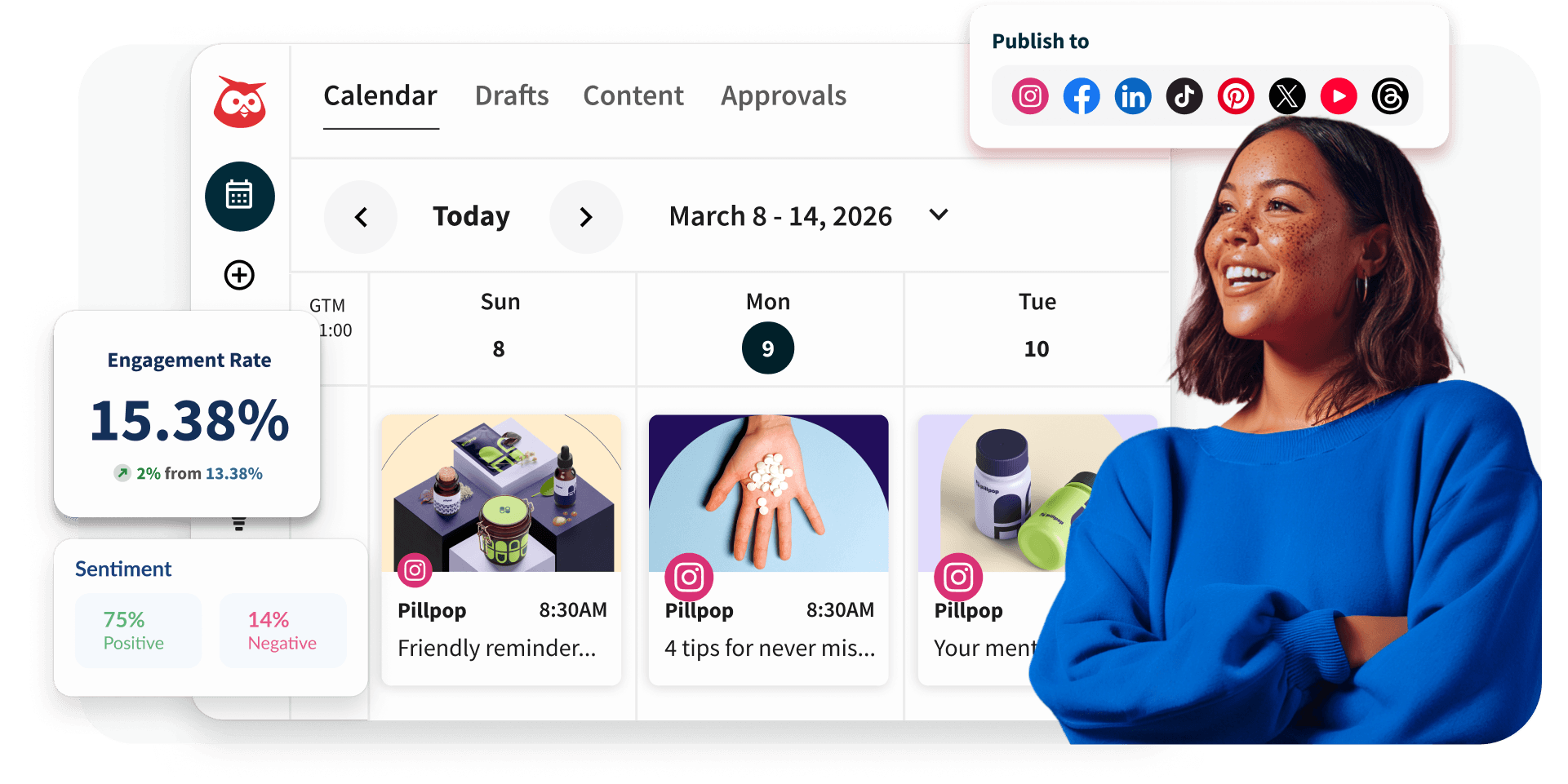
Plan, write, and schedule your content across all your networks from one place, while making sure every caption is optimized for length, clarity, and engagement. You can even generate optimized captions directly in Hootsuite, helping you create platform-specific copy that’s already tailored to the right tone and character count.
With Hootsuite, you can:
Generate, test, and refine captions optimized for each social network
Draft and edit posts in one centralized dashboard
Preview how your posts will appear before publishing
Plan your full content calendar in list or calendar view
Schedule posts at the best times for engagement
Track performance and continuously improve your strategy
Pair this character counter tool with Hootsuite’s all-in-one social media management platform to create smarter, more effective content — every time.

Optimize every social post automatically
With Hootsuite, you can generate on-brand content optimized for every platform. Plus, automatically track engagement, reach, and growth over time.
Create better content faster with Hootsuite
Plan, write, and publish scroll-stopping social posts from one user-friendly dashboard. Generate captions, stay on brand, and track what works — without breaking a sweat.