TikTok support in Mobile Push Notification Publishing
Details
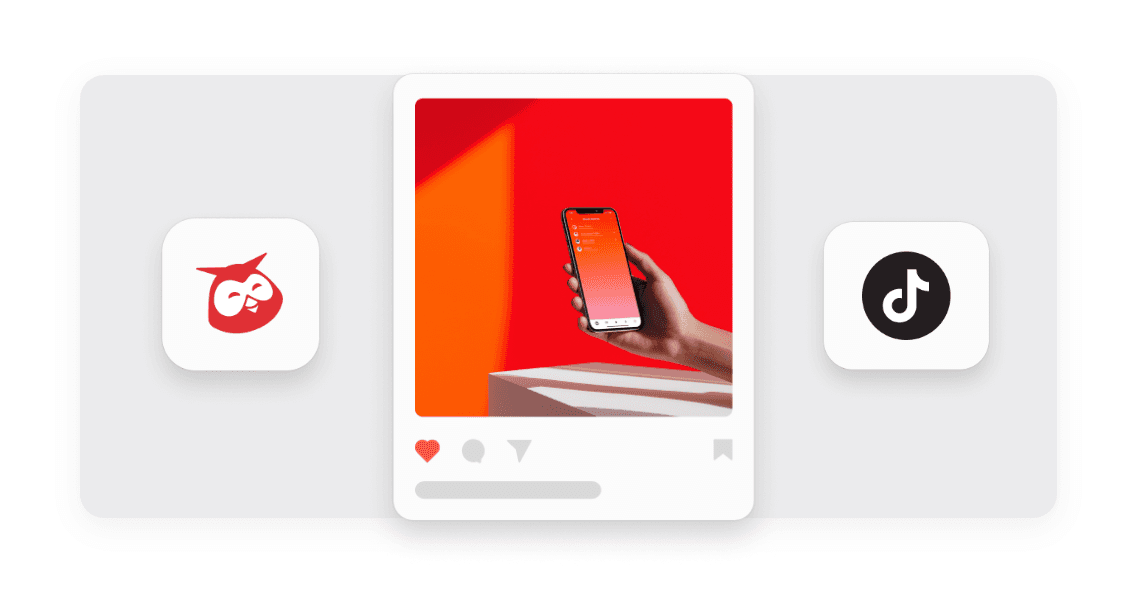
Hootsuite now extends Mobile Push Notification Publishing to include TikTok, matching the experience already available for Instagram and Facebook. You can schedule a TikTok post directly from the Hootsuite web composer, then complete it in the TikTok app when you're ready.
Previously, publishing directly to TikTok meant giving up the native features (like tagging and music selection) that make TikTok content perform well, or stepping outside Hootsuite's planning and governance to use them. Now you can schedule the post in Hootsuite, then get a mobile notification that walks you through finishing it natively in TikTok, so you keep visibility and approvals in one place.
Key Benefits
Use native TikTok features: Add tagging, music, and other TikTok-only capabilities without leaving your planning process.
Stay in your governance flow: Keep scheduling, approvals, drafts, and duplication working exactly as they do today.
Publish from anywhere: Complete the final TikTok step from your phone the moment your post is ready.
How it Works
Turning on mobile notification publishing for TikTok is simple: just flip a toggle in the web composer when you're setting up your post. This lets you plan a TikTok post in Hootsuite and hand off the final native step to your phone.
Enable the toggle – Turn on "Publish via mobile notification" from the TikTok tab in Create, and add notes for the publisher.
Schedule as usual – Set your post time, save it as a draft, or send it for approval like any other post.
Get notified – Receive a push notification in the Hootsuite mobile app when it's time to publish.
Finish in TikTok – Open the notification to preview your post, then let Hootsuite save the video to your photos and copy your notes to your clipboard before opening TikTok to publish.
TikTok support in Mobile Push Notification Publishing brings native TikTok functionality within reach of your planning workflow, helping you produce higher performing content without sacrificing the oversight your team depends on.
Learn more in the Help Center.
Please complete the form to learn more
* indicates required fields
Related updates
Zendesk authentication with OAuth 2.0
Zendesk Integration: OAuth 2.0 Migration lets you connect Nest to Zendesk with OAuth 2.0, so your agents keep creating Zendesk tickets from conversations after API tokens are removed.
Lumen Agent for Hootsuite
Lumen Agent for Hootsuite brings social listening into Wisdom with Quick Search over the last 7 days, so you get trend insights while you create, without a Lumen by Talkwalker account.
Wisdom Everywhere
Wisdom Everywhere puts Wisdom's AI assistant right on your page as a floating launcher, so you get help without leaving Perch, Nest, Lumen, Parliament, or Analytics.
Unlock insights tailored to your business
Get your zero-risk trial to see how Hootsuite can power brand growth with the industry’s deepest insights.