
Free social media caption preview tool
See exactly how your caption will appear before you publish. Paste your draft once, and we'll show you what readers see on their feeds on Instagram, LinkedIn, Facebook, X, TikTok, Bluesky, Reddit, and YouTube, including where each platform's "see more" cuts off.
Edit your caption — previews update live
How your post will appear
Each preview reflects how your caption is rendered and truncated in that platform's feed before viewers tap "more."
Please note: This tool may display inaccurate or offensive material that doesn’t represent Hootsuite’s views. You’re solely responsible for any use you make of content generated by this tool.
Social media character limits at a glance
Every social network treats your caption a little differently, so knowing the ideal caption lengths for each one is critical to a smart social strategy. Some truncate the post in feed with a "see more" link, others have a hard cap that won't let you type past a certain point. Here's the cheat sheet our preview tool above mirrors:
Platform | Total caption limit | What's visible in feed (before "see more") |
|---|---|---|
2,200 characters | ~125 characters | |
3,000 characters | ~140 characters (desktop) | |
63,206 characters | ~280 characters | |
X (Twitter) | 280 characters* | 280 characters (no truncation) |
TikTok | 4,000 characters | ~100 characters |
Bluesky | 300 characters | 300 characters (no truncation) |
Title 300 / body 40,000 | ~150 characters | |
YouTube | 5,000 characters | ~100 characters |
*X Premium subscribers can post longer, but most accounts and reply surfaces still display in the 280-character window.
Character limits by platform
Instagram caption character limit
The Instagram caption character limit is 2,200 characters total, but only the first ~125 characters appear in feed before Instagram cuts the rest with a "...more" link. That short window is what decides whether someone taps to expand or scrolls past. Front-load your hook, save hashtags for the end of the caption (or in the first comment), and assume the average reader only sees the opening line. The same limits apply to Reels, carousels, and standard photo posts.
LinkedIn post character limit (before "see more")
LinkedIn allows up to 3,000 characters per post, but the LinkedIn post character limit before "see more" is roughly 140 characters on desktop. Mobile readers see slightly more, but writing for the desktop cut-off is the safer bet — especially for B2B audiences who often scroll from a laptop. The first two lines do the heavy lifting; everything below the fold is bonus context for people you've already hooked.
Facebook character limit
Facebook posts can technically run to 63,206 characters, but visibility tells a different story. Feed truncates around 280 characters with a "See more" link, which means a wall of text is mostly invisible until someone opts in. Use the visible window for the hook, then expand below it if the story warrants the length.
X (Twitter) character limit
If you're wondering how many characters a tweet can be, the answer is 280 characters — and that's both the visible limit and the hard limit. There's no "see more" on X because there's nothing left to hide. X Premium subscribers can post longer threads, but the standard 280-character cap still defines how the post appears in feed and in replies. Every character has to earn its keep.
TikTok caption character limit
TikTok now allows captions up to 4,000 characters, but the in-feed preview cuts around 100 characters before the "...more" expansion. Sound-on, scroll-fast viewing means the first line is usually the only line. Keep the hook tight and let the video do the rest.
Bluesky character limit
Bluesky caps posts at 300 characters total — a hard limit, no "see more." Treat it like X with a little more breathing room. Hashtags, links, and mentions all count toward the cap.
Reddit post character limit
Reddit titles can run to 300 characters, and self-post bodies up to 40,000, but most subreddit feeds truncate the body around 150 characters before an expand. Title and first line still do most of the click recruiting — especially in default desktop and mobile feeds.
YouTube description character limit
YouTube allows up to 5,000 characters in a video description, but only the first ~100 characters appear above the "...more" expansion under the video. Pack your strongest hook, key timestamps, and most important link into that opening window — everything else is for viewers who already chose to read on.
How to preview a social media post before publishing
The fastest way to preview a post before publishing is to paste the caption into the tool above and check each platform mockup side by side. You'll see exactly where the "see more" lands, how line breaks render, and whether your hook survives the cut. If you publish across multiple platforms, this is also the easiest way to spot when one caption needs a platform-specific rewrite (LinkedIn versus TikTok rarely want the same opening).
How we chose the character limits in this tool
Every social network is a moving target. Truncation points shift with app updates, device width, whether the post has an image, and whether you're viewing in feed or on a profile. The numbers in this preview tool reflect the typical desktop in-feed cut as of 2026, cross-referenced against platform documentation, third-party social media reporting, and our own engineering team's testing inside Hootsuite. Here's the reasoning behind each choice.
Instagram, ~125 characters
Instagram doesn't publish an official "see more" threshold, but the feed consistently truncates captions around 125 characters across iOS, Android, and web. That number is widely reported by social media tooling vendors and matches what you see if you scroll your own feed and count. The total caption cap (2,200 characters) is documented by Meta. We use the in-feed cut because that's the moment readers decide whether to expand.
LinkedIn, ~140 characters
LinkedIn shows roughly 140 characters before "...see more" on desktop, and slightly more on mobile. The desktop number is the safer write-to limit because most B2B audiences scroll from a laptop during the workday. The full post cap is 3,000 characters. The 140-character "before see more" figure is referenced widely in social media benchmarking studies and matches LinkedIn's own desktop preview behaviour.
Facebook, 200 characters (range: 140 to 300)
Facebook is the messiest one. Reported cuts range from ~140 characters (mobile, narrow viewports) to ~300 characters (desktop, wider viewports), with most published estimates landing around 18-20 lines or 200 characters. We picked 200 as a conservative middle that protects mobile readers without being overly cautious for desktop. Sources: UpContent, Sprout Social, and AAEPA's social media cheat sheet. The full post cap (63,206 characters) is documented by Meta.
X (Twitter), 280 characters as a hard limit
X is the cleanest case. The 280-character cap is the post itself: there's no "see more" because the entire post fits in feed. X Premium subscribers can post longer, but the standard 280-character ceiling still applies to most accounts and is what shows in replies, quotes, and timeline previews. We treat this as a hard limit in the tool, not a truncation point.
TikTok, ~100 characters
TikTok captions can run up to 4,000 characters in total, but the in-feed preview cuts the caption around 100 characters before "...more". With sound-on, scroll-fast viewing, the first sentence typically does all the work, so optimising for the 100-character window is more useful than optimising for the 4,000-character cap.
Bluesky, 300 characters as a hard limit
Bluesky's 300-character cap is documented in the platform's own developer docs and confirmed in the AT Protocol specification. There's no truncation because the post itself is capped. Like X, we treat this as a hard limit.
Reddit, ~150 characters
Reddit is unusual: titles cap at 300 characters, self-post bodies at 40,000, but the feed preview varies by subreddit, sort order, and whether the post is text or link. Most default desktop and mobile feeds truncate the body around 150 characters before an expand. We picked 150 as a representative middle because most Reddit captions never get the full body read in feed.
YouTube, ~100 characters
YouTube descriptions allow up to 5,000 characters, but only the first ~100 characters appear above the "...more" expansion under the video on desktop. Mobile shows slightly less. The first 100 characters are also what feeds into share previews and search snippets, so this is the highest-leverage window in the description.
A note on accuracy
These numbers are approximations, not contracts. Social platforms redesign their UIs constantly, and the truncation point can shift with no announcement. If you notice the preview drifting from what you see in the wild, let us know. We update the tool as platforms change.
How to preview a social media post before publishing
The fastest way to preview a post before publishing is to paste your caption into the tool above and check each platform mockup side by side. You'll see exactly where the "see more" lands, how line breaks render, and whether your hook survives the cut.
How to preview a LinkedIn post
To preview a LinkedIn post on desktop, draft it in the LinkedIn composer and click "Post" — LinkedIn shows a preview before you publish, but the cut-off changes between desktop and mobile and you can't see how line breaks render until it's live. The faster way is to paste your draft into the LinkedIn preview generator above. You'll see the desktop "...see more" cut at ~140 characters, plus how mentions, hashtags, and links display in feed.
How to preview an Instagram post
To preview an Instagram post before posting, you have two options: open the in-app Drafts feature (which shows the caption but not the truncation point), or paste your caption into the tool above to see exactly where the "...more" link cuts your post in feed. The in-app preview won't show you the truncation, which is the part that decides whether someone taps to expand. The Reels caption preview works the same way as a feed post.
How to preview an X (Twitter) post
X doesn't truncate posts in feed because the 280-character limit is the post itself. The preview above shows you exactly how your post will appear in the timeline, including character count, line breaks, and hashtag rendering, before you hit Post.
How to preview a Reddit post
Reddit titles cap at 300 characters and bodies at 40,000, but feeds truncate the body around 150 characters before an expand. The preview above shows you the in-feed cut so you can decide whether your title and first line earn the click. To preview the full post layout (with subreddit styling), use Reddit's own draft tool inside the composer.
Preview posts across multiple platforms with one click
Native previews mean jumping between apps for every platform you post on. Hootsuite gives you live, side-by-side previews for Instagram, Facebook, X, TikTok, YouTube, and more, plus inline editing, team approval workflows, and scheduling, all in one composer. Try Hootsuite free.

Optimize every social post automatically
With Hootsuite, you can generate on-brand content optimized for every platform. Plus, automatically track engagement, reach, and growth over time.
Frequently asked questions (FAQs)
280 characters for standard accounts. X Premium subscribers can post longer, but the 280-character limit still applies to most users — and replies, quotes, and feed previews continue to display in the standard 280-character window.
Instagram captions can be up to 2,200 characters in total, but only about the first 125 characters are visible in the feed before the "...more" link. Aim to deliver your hook within the first 125 characters so it lands before the truncation.
LinkedIn posts can be up to 3,000 characters, but the desktop feed shows roughly 140 characters before "...see more" appears. On mobile the preview is slightly longer, but writing for the tighter desktop limit is the safer default.
Yes. TikTok captions allow up to 4,000 characters total, with about the first 100 characters showing in feed before "...more" truncates the rest.
The ideal length of a social media caption depends on the platform and your goal. Captions optimized for in-feed engagement should land their hook before the truncation point — roughly 125 characters on Instagram, 140 on LinkedIn, 100 on TikTok and YouTube, and the full 280 on X. For storytelling, thought leadership, or education, longer captions can work as long as the visible opening earns the expand.
Bluesky posts cap at 300 characters total. There's no "see more" — that's the entire post.
YouTube allows up to 5,000 characters in a video description, but only the first ~100 characters appear before the "...more" expansion under the video.
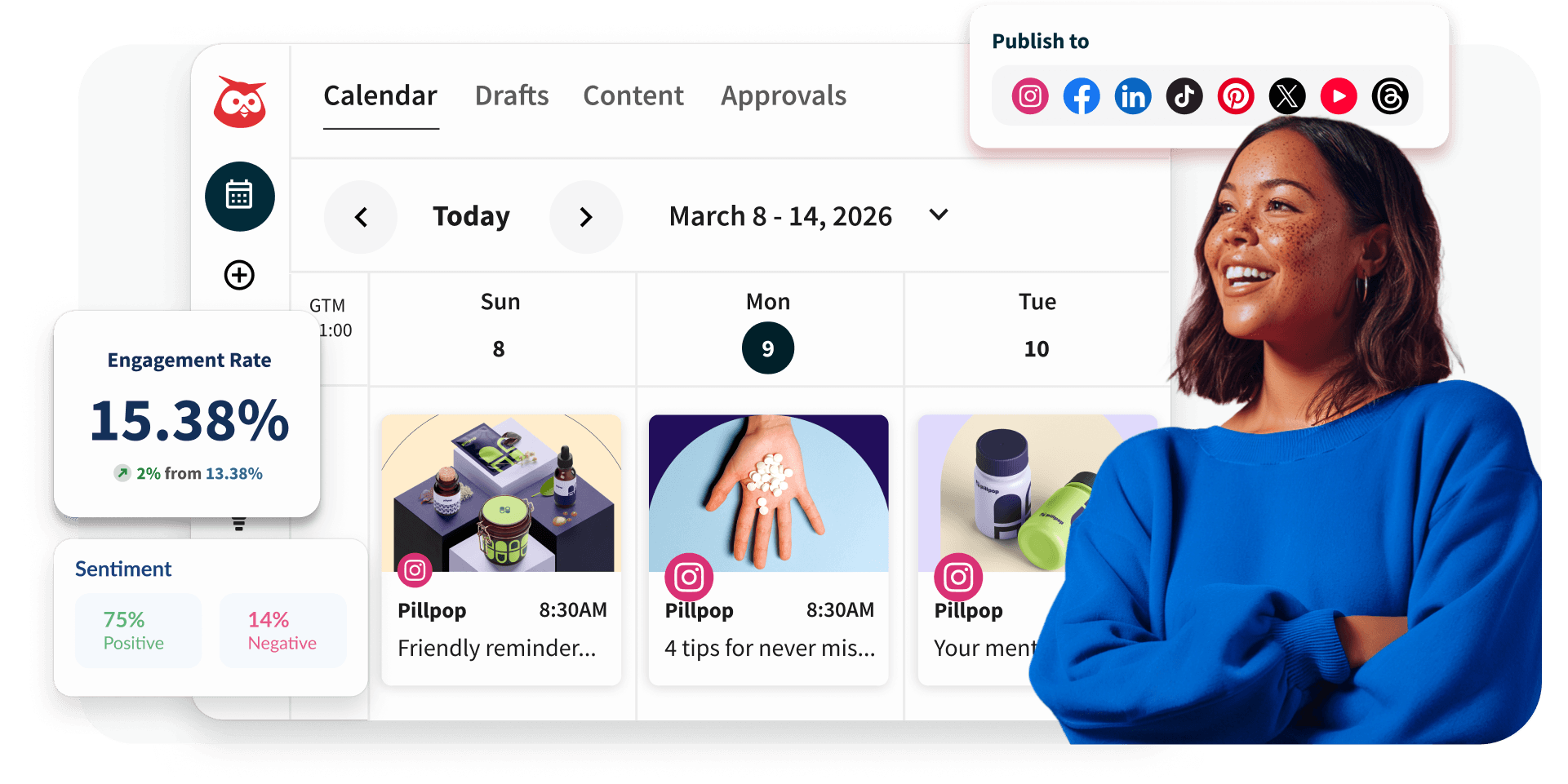
Preview, schedule, and optimize every post with Hootsuite
Once your caption is ready, schedule it across every social network from one dashboard, track how it performs, and use AI-powered suggestions to sharpen your next post.