
Analytics Report Creation by Wisdom
Details
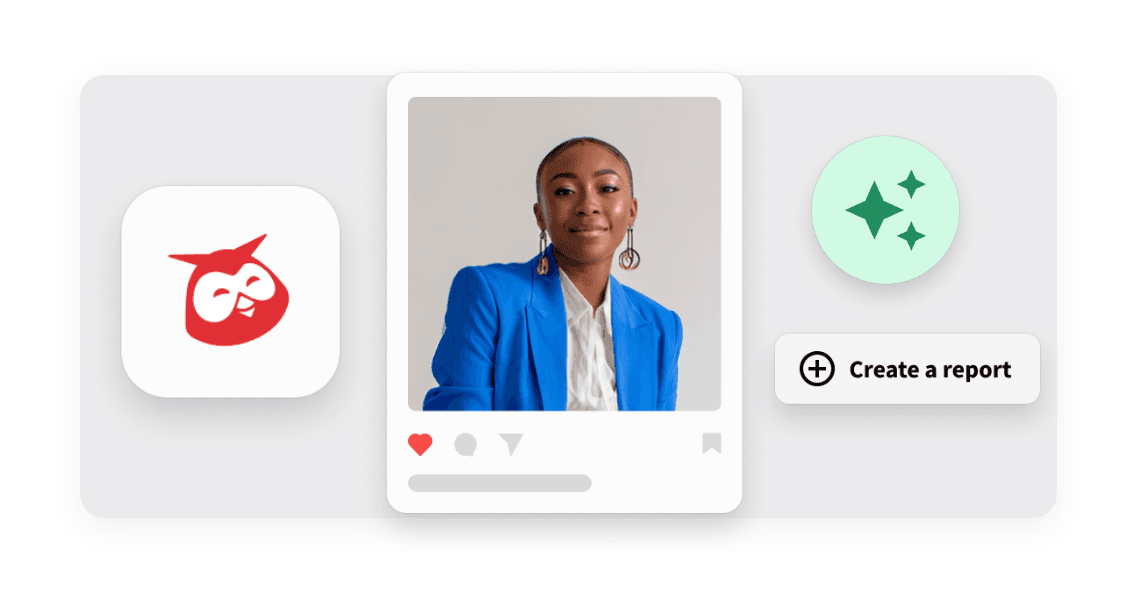
Hootsuite introduces Analytics Report Creation by Wisdom, a new way to go from a question to a report. After Wisdom answers your analytics question in chat, a follow-up request builds a new report in Analytics, and a View report button opens it.
Analytics dashboards can feel daunting, especially for lean teams, and an answer in chat gave you no way to keep or revisit it. Now you can ask your question, request a report, and keep the results in Analytics, replacing manual report building and spreadsheet pulls with a report you can revisit and share.
Key Benefits
Save your answers: Turn an analytics question into a report you can keep and revisit in Analytics.
Skip manual building: Let Wisdom build the report so you spend less time assembling it by hand or pulling stats into spreadsheets.
Share what you find: Keep your results in Analytics, where you can revisit and share them.
How it Works
Using Analytics Report Creation is simple in Wisdom on the web, with no setup needed if you already have Wisdom access through AI opt-in. Report creation follows your Analytics permissions, so view-only users see the report content in the chat instead.
It lets you move from an answer to a finished report in a few steps.
Ask your question: Describe what you want to know about your analytics in Wisdom (analytics/insights mode) and read the answer in chat.
Request the report: Ask Wisdom to “create a report from this” in a follow-up message.
Open your report: Click View report in the chat to open the new report in Analytics.
Refine in Analytics: Edit the report to fit what you need.
Analytics Report Creation by Wisdom turns your analytics questions into reports you can keep, helping you spend less time building and more time acting on your results.
Learn more in the Help Center.
Book a demo with our sales team to learn more
* indicates required fields
Related updates

HootBio now available in Global Org Settings, as part of Teams & Organization experience
Migrating HootBio to Global Org Settings in Teams & Org (T&O) moves its entry point from Perch, giving admins a centralized place to manage all org-level settings

Facebook First Comment in Perch’s Composer
Facebook First Comment in Perch’s Composer lets you add a first comment to your feed posts and reels, so you can schedule everything together and skip the trip back to Streams.

Custom Social Profile
Custom Social Profile lets you connect your own webchat to Nest through webhooks, so your agents handle those conversations in Inbox alongside your other social channels.

Unlock insights tailored to your business
Get your zero-risk trial to see how Hootsuite can power brand growth with the industry’s deepest insights.