Customize word clouds in Hootsuite Insights
Details
We’ve added options to help you modify the appearance and content of word clouds in Insights.
Use filters to show or hide emojis, hashtags, locations, organizations, people, keywords, and phrases.
Customize word size by volume and trending
Customize color by default, topic type, gender, sentiment, volume, trending, random, or none
Adjust cloud size and specify how many words to include in the tile
Please complete the form to learn more
* indicates required fields
Related updates
AI Widget Insights Enhancements
AI Widget Insights enhancements now let you generate up to 6 AI summaries per page, view them on table widgets, and compare full-screen insights side by side against the source data.
Unified Filters
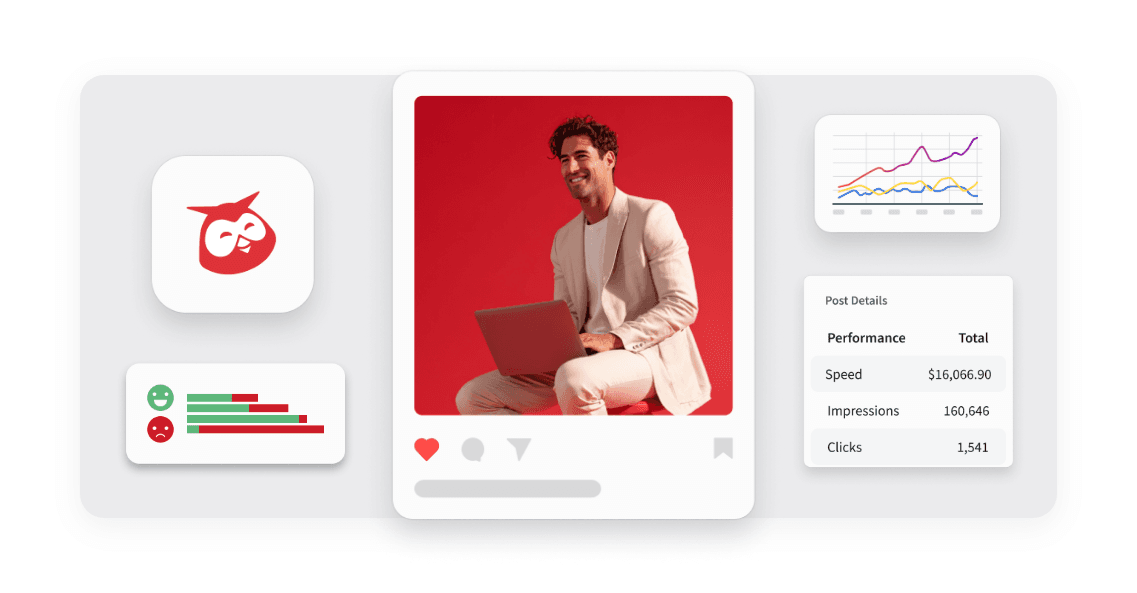
Unified Filters lets you set Tag, Auto tag, and Campaign filters once and apply them across every connected network, so your reports stay consistent without repetitive setup.

WhatsApp Coexistence in Business App and Cloud API
WhatsApp Coexistence lets you connect to Hootsuite's Cloud API while keeping your WhatsApp Business App active, so you can manage conversations from either
Unlock insights tailored to your business
Get your zero-risk trial to see how Hootsuite can power brand growth with the industry’s deepest insights.