Unified Filters
Details
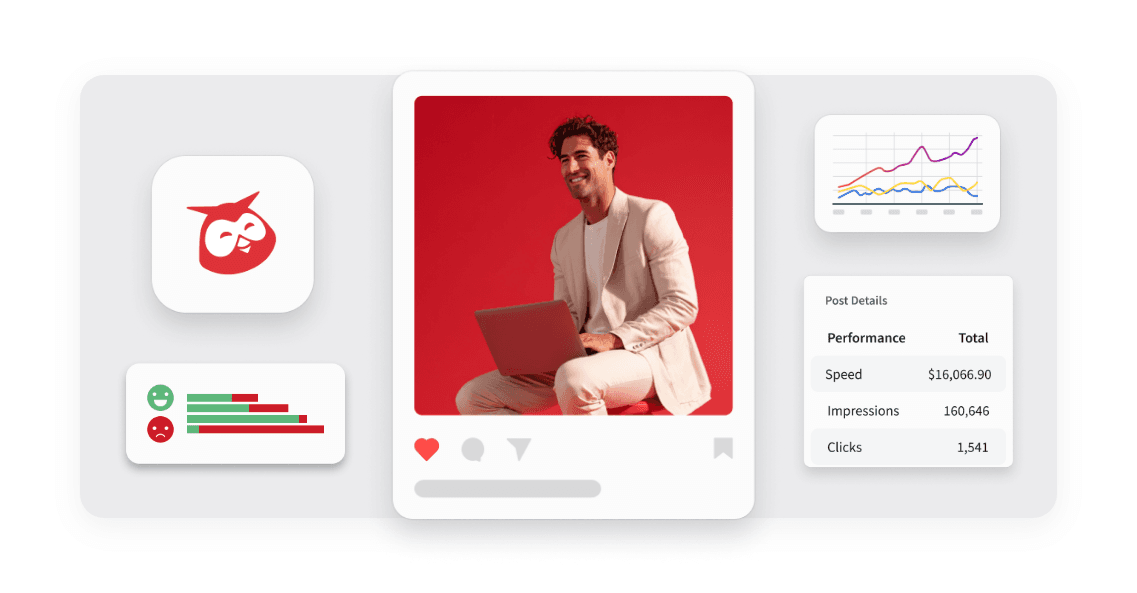
Hootsuite Analytics introduces Unified Filters, bringing Tag, Auto tag, and Campaign filtering into a single, cross-network section within Reports and Post Performance. Instead of configuring the same filter separately for each connected network, you set it once under an All networks section, and it applies everywhere.
Previously, managing multiple social networks meant setting up the same Tag or Campaign filter over and over, once per network, which was repetitive and made it easy to end up with inconsistent filter settings across networks. Unified Filters removes that repetition: you configure your filter once, and it applies consistently across every network in your report, reducing setup time and the risk of mismatched data.
Key Benefits
Simplify filtering: Set a Tag, Auto tag, or Campaign filter once and have it apply across every connected network.
Keep reports consistent: Reduce the risk of mismatched filter settings between networks in your reports and Post Performance views.
Migrate without hassle: Existing reports update automatically, so you don't need to rebuild your filter setup.
Stay in control: Create single-network widgets any time you want to keep a specific tag or campaign isolated to one network.
How it Works
Using Unified Filters is simple: open a report or Post Performance view and look for the new All networks section at the top of the filter drawer. This section lets you apply a Tag, Auto tag, or Campaign filter across every connected network in a single step.
Set once, apply everywhere – Select a Tag, Auto tag, or Campaign value in the All networks section, and it filters every connected network at the same time.
Keep network-specific filters – Access filters unique to one network, like Facebook Boosted posts or Instagram Collaborators, in their own network section.
Review migrated reports – Check your cross-network widgets around the August 18 release date, since combined tags across networks may change the numbers those widgets show.
Isolate a network when needed – Create a single-network widget to keep one tag or campaign specific to a single network.
Unified Filters brings consistency to how you filter data across networks, helping you spend less time on setup and more time acting on accurate, comparable results.
Learn more in the Help Center.
Please complete the form to learn more
* indicates required fields
Related updates
Zendesk authentication with OAuth 2.0
Zendesk Integration: OAuth 2.0 Migration lets you connect Nest to Zendesk with OAuth 2.0, so your agents keep creating Zendesk tickets from conversations after API tokens are removed.
Lumen Agent for Hootsuite
Lumen Agent for Hootsuite brings social listening into Wisdom with Quick Search over the last 7 days, so you get trend insights while you create, without a Lumen by Talkwalker account.
Wisdom Everywhere
Wisdom Everywhere puts Wisdom's AI assistant right on your page as a floating launcher, so you get help without leaving Perch, Nest, Lumen, Parliament, or Analytics.
Unlock insights tailored to your business
Get your zero-risk trial to see how Hootsuite can power brand growth with the industry’s deepest insights.